kdpbookai

kdpbookai vs Kindle Create

Amazon's own free desktop app for turning a finished manuscript into a Kindle book. Here is how it differs from kdpbookai, from Kindle Create's own site as read on November 10, 2026.

Checked November 9, 2026Plain text version

Side by side

FeatureKindle Createkdpbookai
PriceFreeFree to try with 1,200 credits (files carry a watermark); $24 for one book, or monthly plans from $19
Runs onWindows and Mac desktop appWeb app, in any modern browser; sign in with Google
ImportsDOC, DOCX and PDF; PDF or images for comics and kids' booksDOCX, PDF, Markdown or plain text, word for word, using no credits
EbookKPF file for KDP; EPUB export for reflowable booksKindle EPUB for text books; fixed-layout EPUB for picture books
PrintA reflowable book can be used for a print book; previewed on KDP after uploadInterior PDF and cover PDF sized for KDP, checked against KDP's print rules
CoversNot in the app; Amazon offers a separate Cover CreatorYes, built to the page count, with spine and barcode area
AI writing or picturesNot stated on its siteYes: plans, writes and draws where the book needs it; your own imported text is not changed
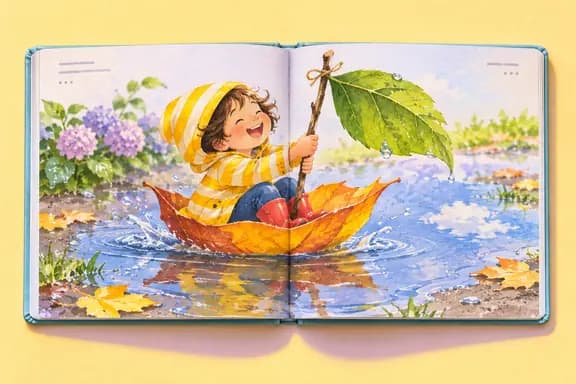
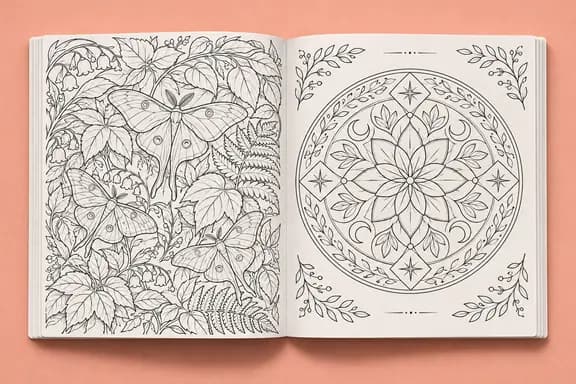
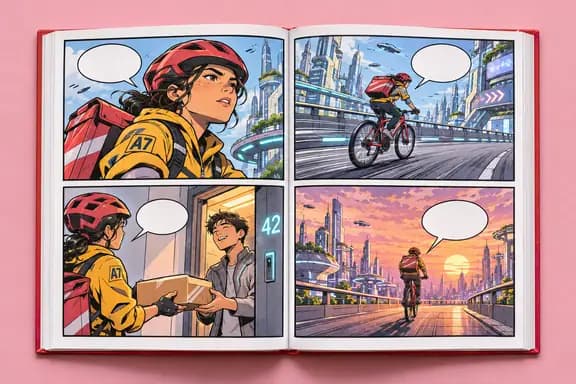
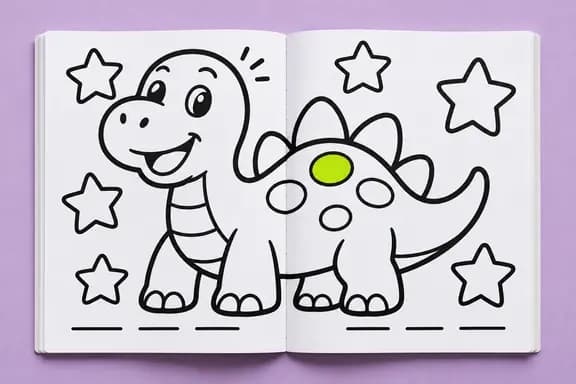
Comics and kids' booksEbooks from finished pages, with panel view for comics; text must already be on the pictures36 types, including picture books, coloring books, comics, manga, puzzles and journals

“Not stated on its site” means we did not find it on the pages below, not that the tool lacks it.
Which one fits

Choose Kindle Create if

  • Your book is finished and you mainly want a Kindle ebook.
  • You have finished comic or picture book pages and want Kindle's panel view.
  • You want a free tool made by Amazon.

Choose kdpbookai if

  • You want to start from an idea rather than a finished manuscript.
  • You are making a picture book, coloring book, comic or puzzle book, not only a text book.
  • You want the cover and the KDP listing text made with the book.

Sources

Read on November 10, 2026. Prices and features change; Kindle Create's own site has the final word. Kindle Create is a trademark of its owner, and kdpbookai is not connected to it. Spotted something out of date? Tell us and we will fix it.

Your next book starts with one sentence.

Describe it and see the plan before anything is made. No card needed.

Start for free