kdpbookai
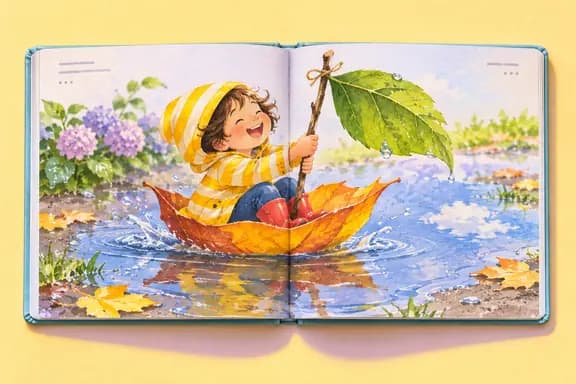
A picture book is short, colorful and printed edge to edge. Most of the work is in the pictures, but most rejections come from the print settings. This guide walks through both.
1. Plan the story by spreads
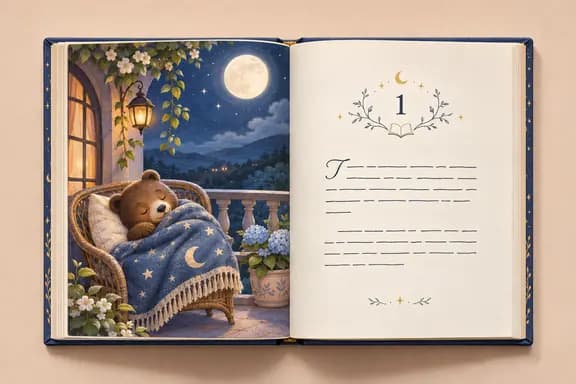
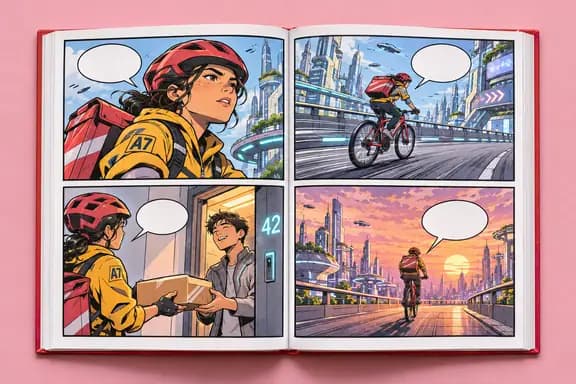
Picture books are read two facing pages at a time, so plan the story spread by spread. In kdpbookai a picture book has 24–48 pages and starts at 32; the title page, copyright page and "The End" take some of those, the rest carry the story.
Write short. Children hear the book more often than they read it, so every line should sound right when read aloud.
2. Choose the print settings
3. Keep characters consistent
Readers notice when a character's coat changes color between pages. Decide each character's look once and reuse it. In kdpbookai the plan and text come first, you approve them, and only then are the pictures drawn, starting with a reference sheet for each character.
4. Know the print cost before you set a price
KDP charges the print cost out of your royalty. A 32-page 8.5 × 8.5 in paperback in premium color costs $4.20 to print on Amazon.com. The lowest list price KDP accepts for the premium color version is $8.40. More in pricing a paperback.
5. Upload and answer the AI question
- In KDP, create a paperback and fill in the title, author, description and keywords.
- On the content page choose the same trim, paper and bleed setting as your file, then upload the interior PDF and the cover PDF.
- Open the previewer and read every page.
- Answer the AI content questions: if a tool generated the text or pictures, the answer is yes. See AI disclosure.
- Set the price, order a printed proof and check the colors on paper before you publish.