kdpbookai
A comic is planned like a film: story beats, then a script for every panel, then the art. Drawing first and writing later is the expensive way round.
1. Write the script
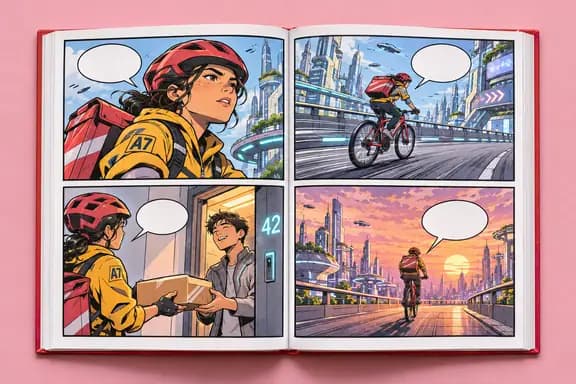
Each page has a layout and its panels; each panel has a scene, a shot (wide, medium, close and so on), the characters in it and the balloons in reading order. In kdpbookai the AI writes a story plan first, then the script a few pages at a time, and you edit any of it.
2. Approve before drawing
Nothing is drawn until you approve the script. Characters get reference sheets first so they look the same in every panel. Change the script later and the approval is dropped until you approve it again.
3. Print settings
Panels run to the page edge, so set up bleed. In black-and-white books the panels are turned to grayscale; the cover stays in color.
4. Reading direction
Manga in kdpbookai can read right to left: page order and the order characters stand in are mirrored. For a color book that reads right to left, note KDP's limit: Standard color with right-to-left reading is only offered on Amazon.co.jp.
5. The AI question
If AI drew the art or wrote the script, say so when KDP asks. See AI disclosure.